Edit images in your browser. Nothing leaves your device.
Compress, resize, crop and convert photos for free. No signup and no uploads.
Compress image
Make JPG, PNG and WebP files smaller without visible quality loss.
Resize image
Set a new width and height, or scale by percent.
Crop image
Cut your image down to the exact area you need.
Convert image
Switch between JPG, PNG and WebP in one click.
Rotate image
Turn or flip images to the right orientation.
Watermark image
Stamp your text or logo on an image.
Meme generator
Add top and bottom captions to any picture.
Upscale imageNew
Enlarge and enhance images with free local AI.
Remove backgroundNew
Remove backgrounds from people and objects with AI.
Photo editor
Add text, stickers and filters to your photos.
HTML to image
Capture a website URL or render an HTML snippet.
Blur faceNew
Hide faces and license plates in photos.
No tool matches that. Try another word or pick All.
Latest from the blog
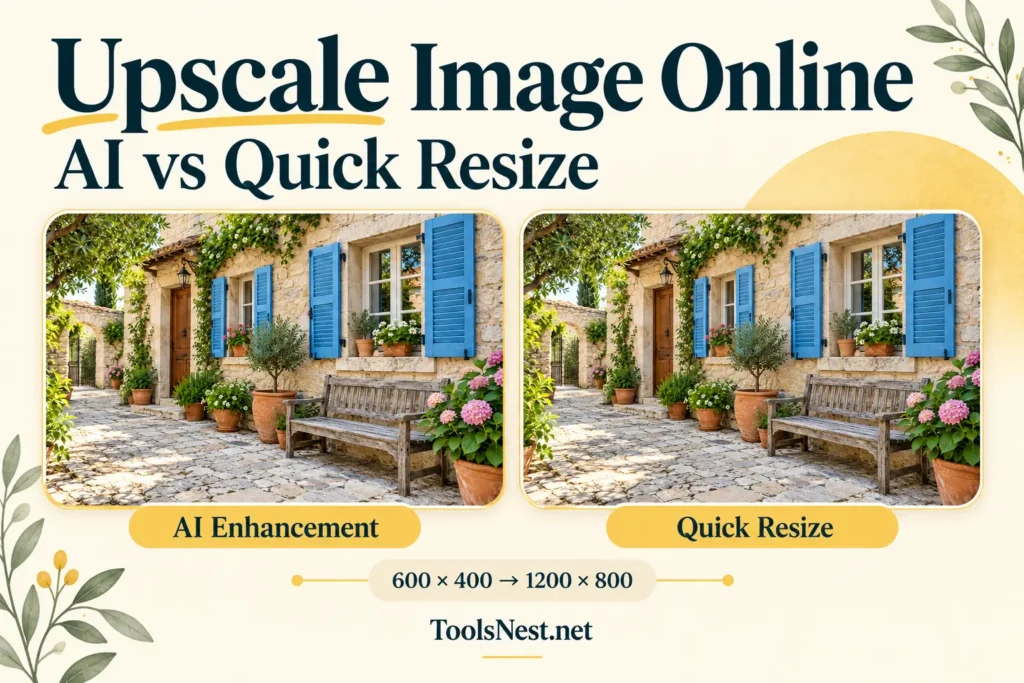
How to Upscale an Image Online: My AI vs Quick Resize Test
I wanted to upscale an image online and see whether AI enhancement would give me a noticeably different result from ordinary resizing. Using the ToolsNest image upscaler, I enlarged the same courtyard image twice:…
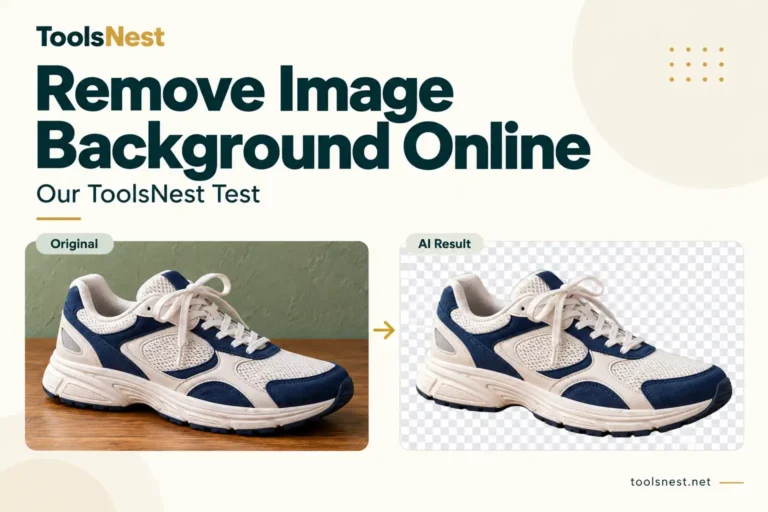
How to Remove an Image Background Online: Our ToolsNest Test
Removing a background looks straightforward until you inspect the small details. A shoe may appear neatly cut out…
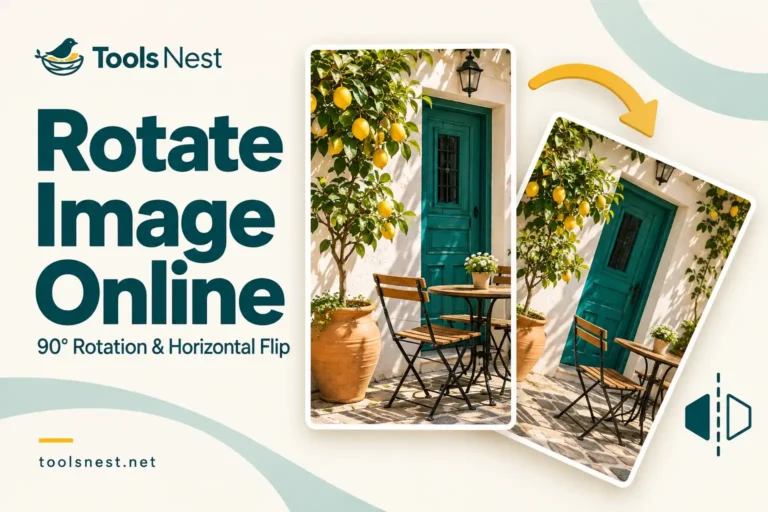
How to Rotate an Image Online: Our 90-Degree and Flip Test
If you searched for “rotate image online,” you may have come across both rotation and flip controls. They…
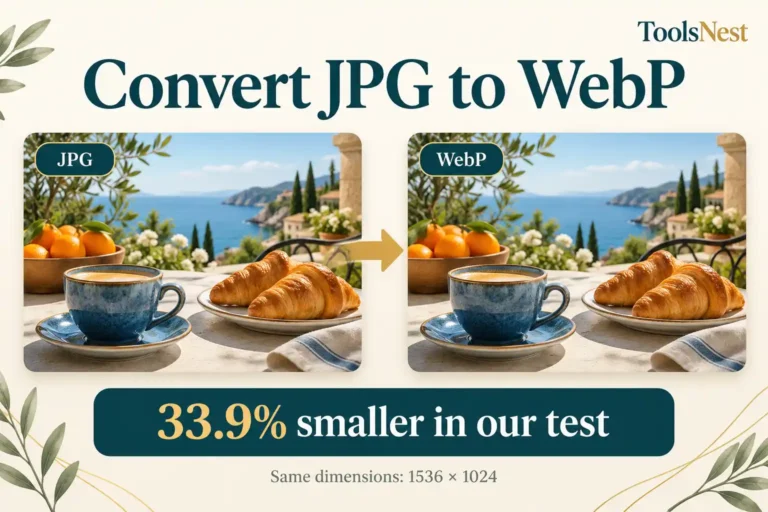
How to Convert JPG to WebP Online: What Our Test Revealed
Could I save storage space simply by switching formats while keeping the image’s width and height unchanged? I…
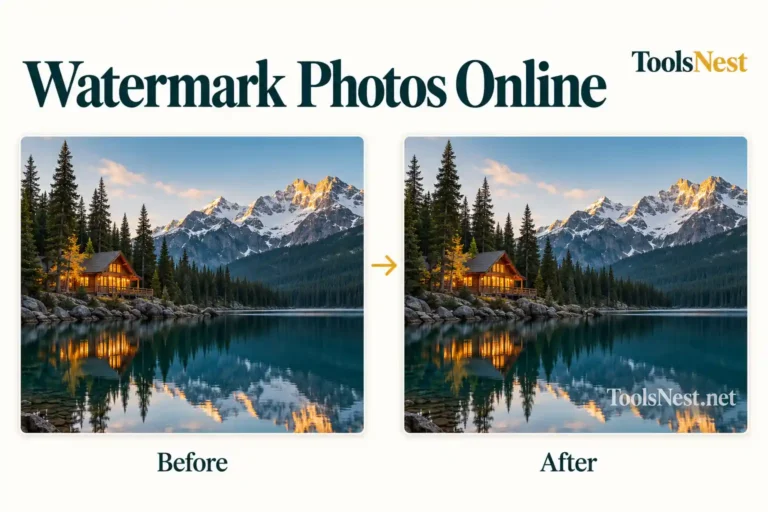
How to Watermark Photos Online: A Practical ToolsNest Test
A watermark gives readers a visible name or website to associate with an image. Its usefulness depends on…
Quick, free and private
Runs on your device
Your images are processed in your browser, so they are never uploaded to our servers.
No account needed
Open a tool, drop in your pictures and download the result. That is all.
Free to use
Every tool listed here is free. New tools are added as they are ready.